 en
en de
de
 fr
fr
 es
es
 it
it
 ru
ru
 pt
pt
Useful Tips
Check the tips on how to manage your CryptoTab Farm like a pro and get the most out of it.
Useful Tips
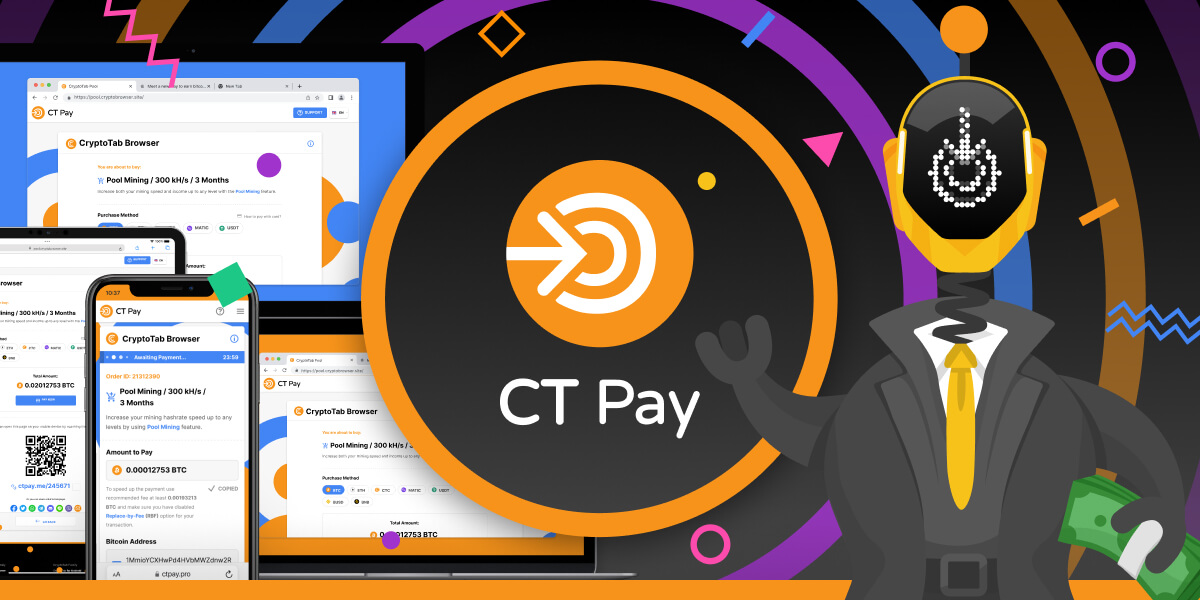
Harder, Better, Faster, Stronger: New CT Pay Service
We promised that the summer would be jam-packed with big ecosystem news! Summer promotion has already been launched, and now we are happy to share with you the second great news - CT Pay service is already available for Pool Mining!

Useful Tips
Summer Contest has started: Participate to win 15,000$!
Summer has officially started and it's going to be hot in the CryptoTab ecosystem! But an interesting journey always starts with an atmospheric start, so let's not waste any time! It's time for the Summer Contest!
Useful Tips
Countdown Begins: Bitcoin Halving to Change Mining Rewards
Don’t miss a unique chance to earn more from mining! Less than a year from now, the next Bitcoin halving will take place, reducing mining rewards in half. But today you are in a moment of great opportunity, and here’s why:

Useful Tips
Bitcoin Overload is Over: Let it flow again!
Bitcoin network overload has been a key industry news story in recent days. Chain metrics recorded a rapid increase in unconfirmed transactions and transaction fees on the Bitcoin network. Because of this, the cost of transactions has increased and they have been taking much longer than usual.
Useful Tips
Connect MetaMask for One-click Payments
Welcome to the future of payments! CT Farm PRO is opening the gates to the Web3 world and making transactions easier than ever. After introducing crypto payments on the Web Farm, we take the next step and give you more tools that blockchain technologies provide.
Useful Tips
4 More Cryptos to Pay on Web
СT Farm PRO is raising the bar. Have you already tried BTC payments on your farm? Now you can make quick and easy purchases on the Web with four more popular cryptocurrencies.

Useful Tips
Now Purchase With Bitcoins!
Two of your biggest crypto dreams came true! Great changes have arrived and now everything is possible in the CT Farm PRO on the Web.
Useful Tips
CT Farm is now available on iMac and Macbook
Let's not interrupt the string of good news! Today the focus is on CT Farm!
Useful Tips
Better than gold: the first indicators of 2023 and the new ceiling of BTC
If you thought we were overreacting when we said that Bitcoin is the best investment for those planning to take a warm seat under the digital sun of the future. Yesterday the currency crossed the $30,000 USD threshold!
Useful Tips
Expand your CT Farm Affiliate Network to Level 10!
Economic theory says that competition is the basis for a healthy financial life for any market. People, companies have to fight among themselves for the best place under the sun - eat or be eaten.
Useful Tips
CT Browser Pro x20: More Ships for the Crypto Armada!
All hands on deck! Crypto Armada continues its journey to the Bitcoin Islands!
Useful Tips
PRO Farmers Reactivate Less!
One more solid reason to try CT Farm PRO — the possibility to prolong the reactivation period for Workers. Take your chance to discover time-saving mining for free!

Useful Tips
Start Now to Get More! New Affiliate Possibilities
Be the first and cherry-pick the bonuses! The CT Farm PRO on Android has just been launched. We are waiting for thousands of fresh farmers to enter our crypto community and want you to become their guide. In exchange, as usual, you get a bonus equal to 15% of your referrals’ income!

Useful Tips
CryptoTab Pool: Earning BTC is Easier Than Ordering Pizza
What seems more difficult for you — ordering pizza in an app or earning BTC? By inertia, the crypto industry is still associated with obscure technology, an infinite number of currencies and, of course, expensive crypto farms. But wait, in fact, Bitcoin mining is much more affordable and easier than ordering pizza!
Useful Tips
Dear passengers, Bitcoin departs from the 1st platform
We don't do this on purpose, but once again we have nothing but good news for you! The Bitcoin rate is departing from the first platform! It continues to grow for several months and the rate of this growth will soon equal or maybe exceed the second space one.

Useful Tips
Mac Users Going PRO!
Farmers love apples. So do crypto farmers! CT Farm PRO for Mac has gone live and is now available on the App Store. Install the app on your favourite Apple device — manage Workers, make purchases, and withdraw your earnings without limits.
Useful Tips
Knock-knock! BTC Delivery Service!
Wouldn't it be great if BTCs were just delivered right into your hands like packages? You order your desired income and, voila, it just stably arrives on your doorstep on a predetermined date.
Useful Tips
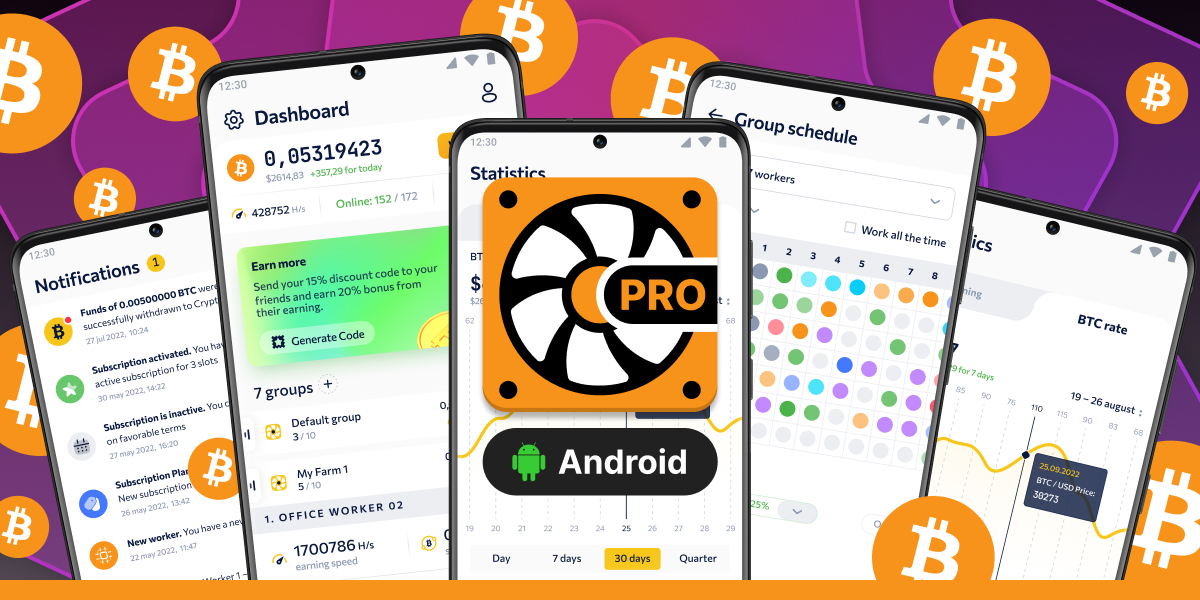
CT Farm PRO is Now on Android!
CT Farm app expands horizons — now the PRO version is available on all mobile platforms: iOS and Android! Earn BTC and manage your farm from everywhere on Earth using any device.
